Smart Detail Recovery
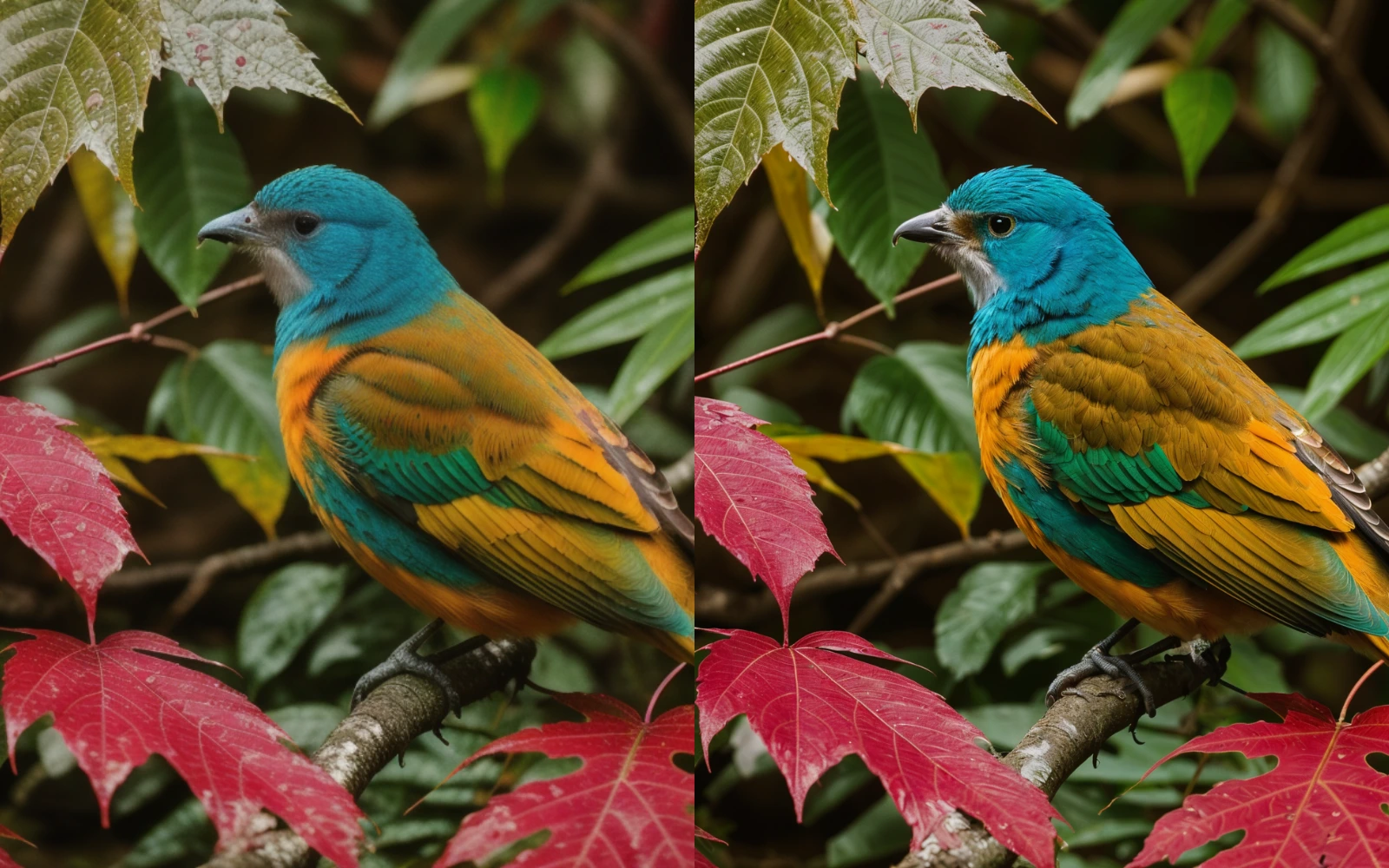
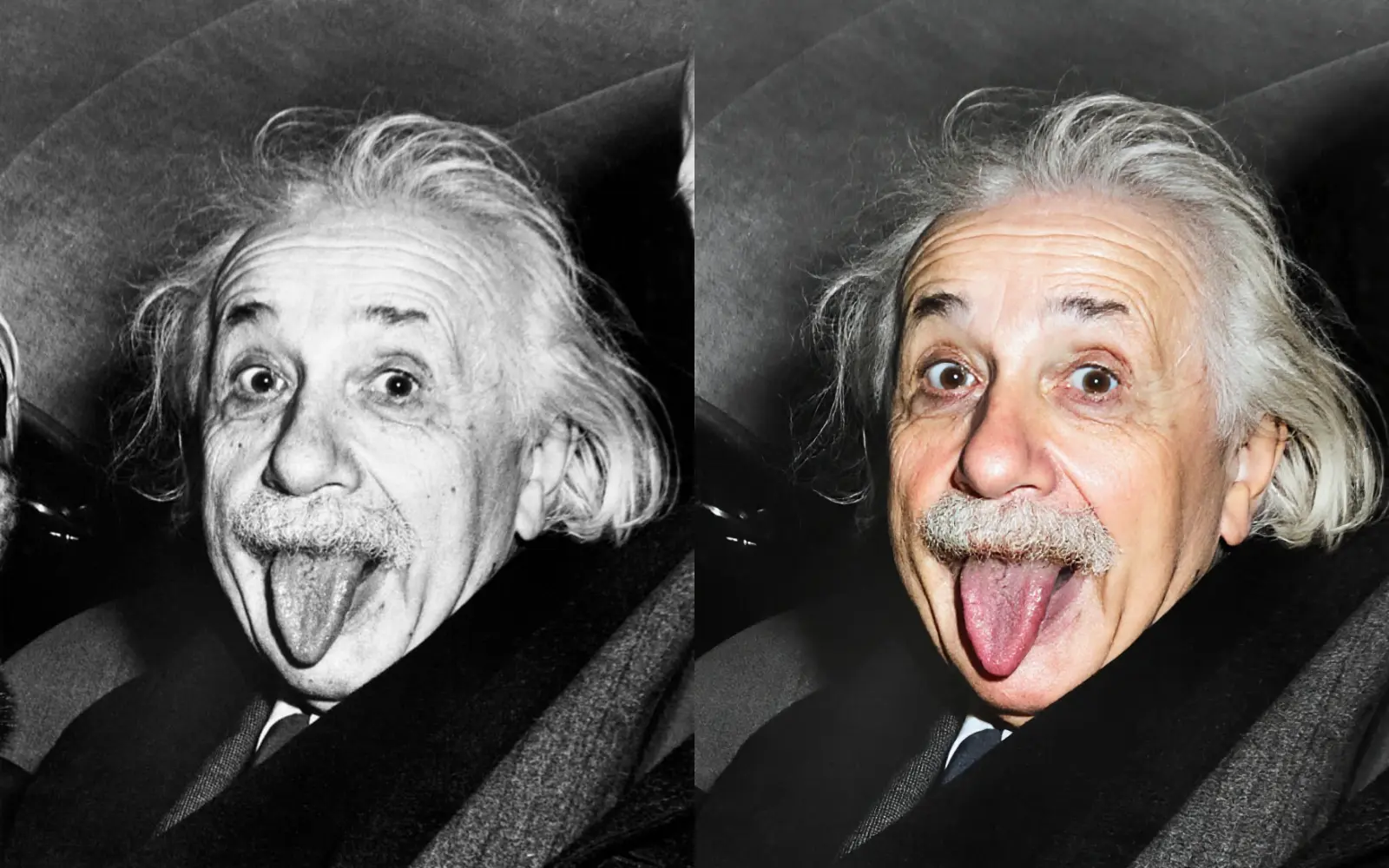
Rebuild texture and edge information instead of simply stretching pixels.
 Image to Image AI
Sharpen blurry photos with AI and recover lost details in seconds.
Drag & drop a blurry image here, or click to select
Sign in to save creations and get more credits
Built for speed and consistency with practical controls for real workflows.
Rebuild texture and edge information instead of simply stretching pixels.
Get clear outputs in seconds, with live status updates while the task runs.
Consistent enhancement for portraits, documents, and low-light photos.
A straightforward flow that keeps the tool front and center.
Drop a blurry image (PNG, JPG, WEBP) into the tool panel.
Choose blur level and output format for your target use.
Generate your result and download the sharpened image instantly.
From personal memories to production workflows.
Recover missed-focus and handheld shots without manual editing.
Improve old phone photos before printing or archiving.
Enhance product and listing images for cleaner presentation.
Prepare references and source images for higher fidelity comps.
Answers to common questions before you process your next image.
Jump to sister tools for adjacent enhancement tasks.
Turn blurry shots into clear, usable images in a few clicks.
Get Started