
Uncrop Images
We accept JPEG, PNG, or WEBP formats up to 15MB and 4096 × 4096 pixels.
Sample Image
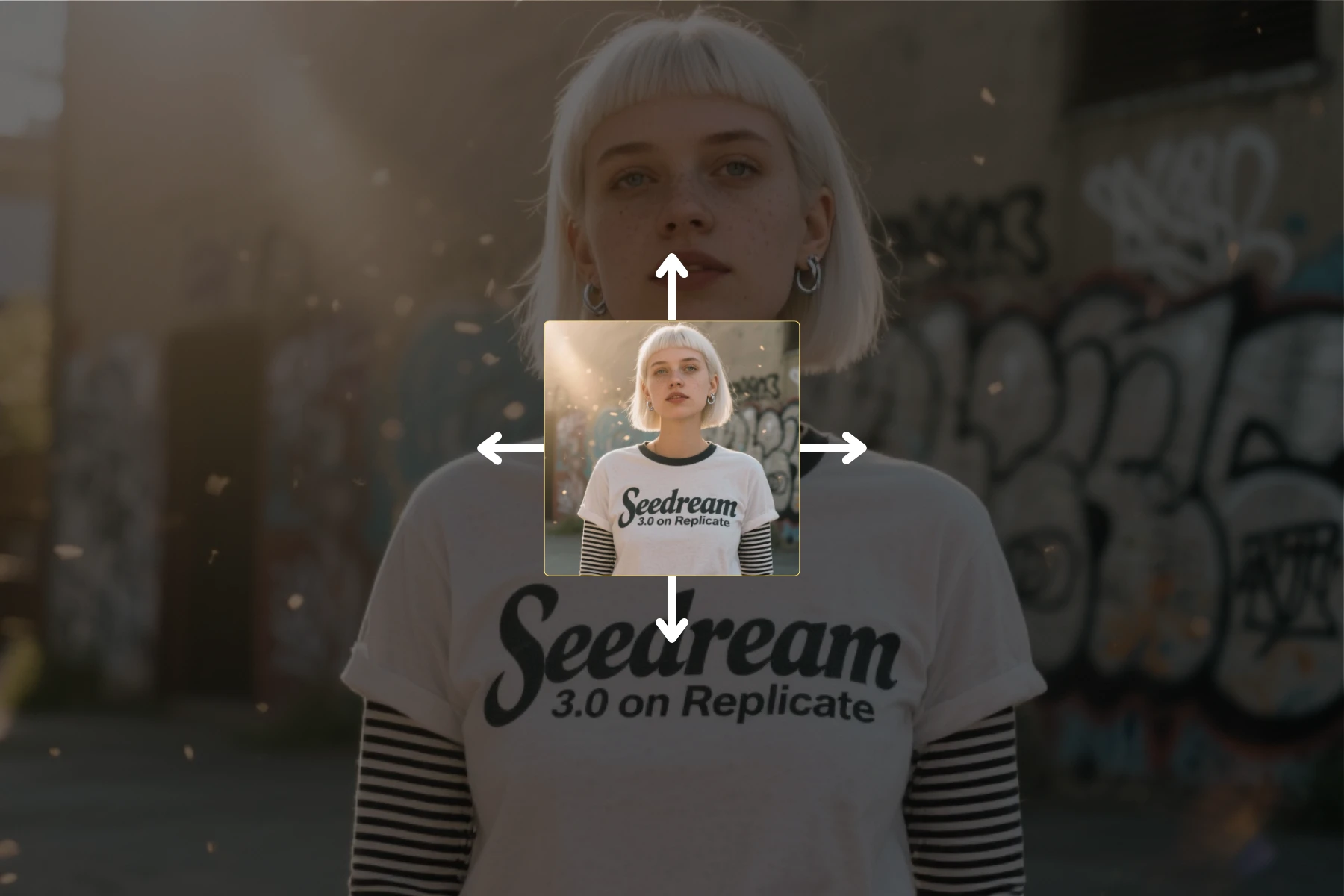
Waiting for upload
AI Image Extender — Expand & Uncrop Photos Instantly
Expand image borders, uncrop photos, and extend pictures with AI-powered outpainting. Our free AI image extender generates natural-looking expansions that match your original lighting, style, and composition. Supports 7 aspect ratio presets with JPG, PNG, and WebP formats.
Try AI Image Extender Free
Expand Image Borders with AI Precision
Our AI image extender analyzes your photo and generates new pixels that seamlessly blend with the original content. The advanced neural network understands context, lighting, and textures to produce natural-looking expansions — perfect for adjusting compositions, extending backgrounds, or creating wider panoramic views.
Try AI Image Extender Free
AI Uncrop Tool for Cropped Photos
Received a cropped image and need the full picture? Our AI uncrop tool reconstructs missing areas naturally by analyzing surrounding content and generating matching pixels. Ideal for restoring personal memories, fixing improperly cropped shots, or recovering detail lost during editing.
Uncrop Your Photo Now
Free AI Photo Expander for Any Aspect Ratio
Need to convert a square photo to 16:9 for YouTube or 9:16 for Instagram Stories? Our free AI photo expander supports 7 aspect ratio presets. Expand photos to fit any platform without cropping out important content or stretching pixels.
Expand Photo to Any Ratio
Extend Image Background for Design & Advertising
Graphic designers and advertisers can use our image extender to add extra canvas space for ads, banners, and promotional layouts. AI outpainting generates clean, consistent backgrounds that give you more creative freedom while maintaining professional quality.
Extend Image Background
How to Expand an Image with AI
Step 1 — Upload Your Image
Upload a JPG, PNG, or WebP image to our AI image extender. The tool accepts any resolution and automatically detects optimal expansion settings.
Step 2 — Choose Aspect Ratio & Direction
Select from 7 aspect ratio presets (1:1, 16:9, 9:16, 4:3, 3:4, 3:2, 2:3) or use custom expansion controls to extend in any direction.
Step 3 — Generate & Download
Click generate and our AI expands your image in seconds. Preview the result, then download your expanded photo in full resolution.
Perfect For
Social Media Content
Convert one source image into portrait and landscape formats for Instagram, YouTube, TikTok, and more without losing key subjects.
E-commerce Product Photos
Add clean background space around product images for overlays, labels, or marketplace-specific layout requirements.
Photography & Photo Restoration
Restore cropped photos, extend compositions for prints, or create panoramic views from standard shots.
Print & Poster Preparation
Create extra margins and bleed areas to adapt digital photos for large-format printing and professional framing.
Graphic Design & Advertising
Extend image backgrounds for banners, thumbnails, hero images, and promotional materials with consistent AI-generated content.
Real Estate & Architecture
Expand interior and exterior property photos to show more context, create wider room views, or fit listing platform dimensions.


